 Photoch
Open the editor
Style Effects
Become a samurai, a superhero or an anime character
Style Effects turns the person in your photo into a samurai, a pharaoh, a superhero or an angel, shows them at 80, or redraws the whole photo as anime, claymation, a pencil sketch or an oil painting. Pick one of 31 styles or describe your own.

How to change the style of a photo
- Open a photo in Photoch: drag it onto the page or choose File > Open.
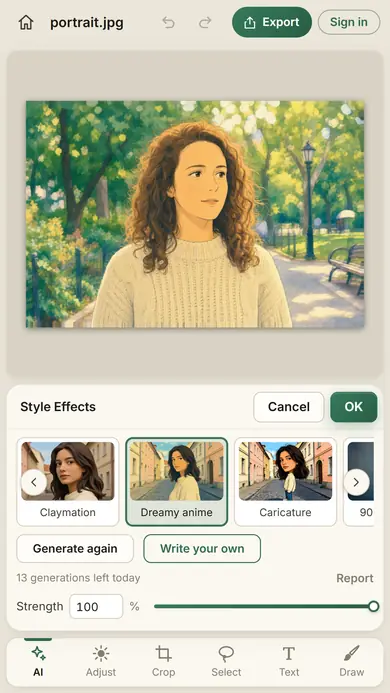
- Open Style Effects. Click Style effects in the floating bar under the canvas, or choose Edit > Style Effects. On a phone, tap AI, then Style effects.
- Pick a style: a transformation like Samurai or Old age, or an art style like Anime or Oil painting. Or click Write your own and describe one, like "a stained glass window" or "a scene made of toy bricks".
- Click Generate. Click Generate again for another version, and use the arrows to compare them.
- Set the strength and click OK. Strength blends the style with your photo. The result is a new layer above it.
Because the result is a layer, you can lower its opacity, add a mask to bring parts of the photo back, or delete it. Undo works too.
14 transformations
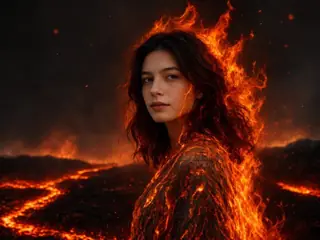
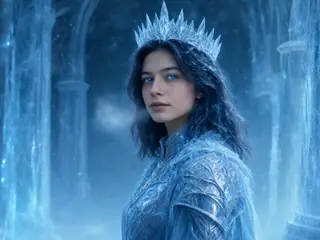
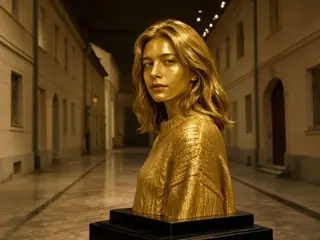
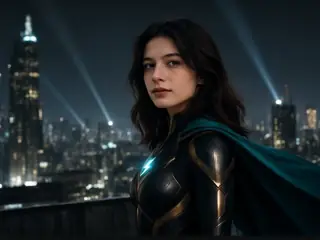
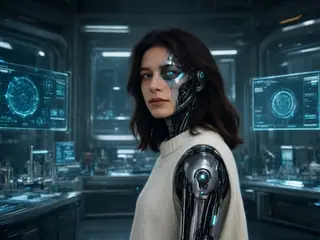
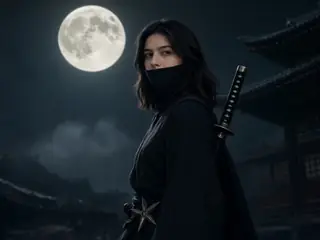
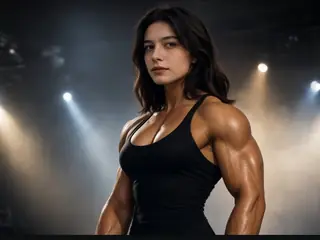
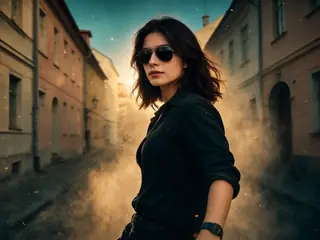
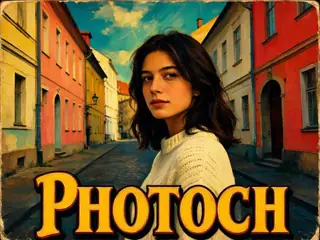
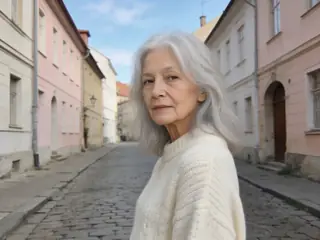
The transformations dress the person in your photo as someone new and set them in a matching scene, from a samurai in a castle courtyard to an ice king in a frozen palace. Every example below was made by Photoch from the same photo.
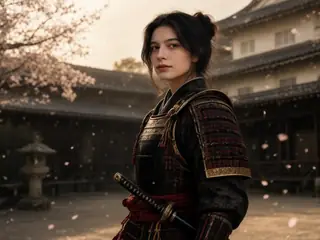
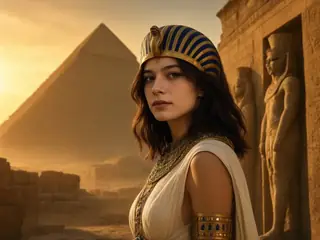
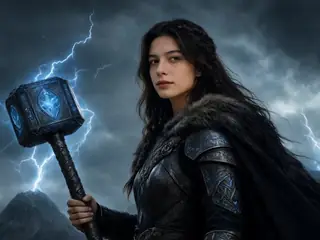
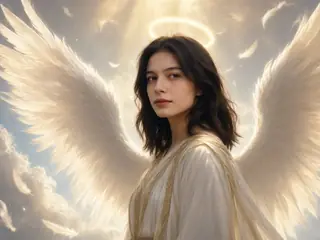
17 art styles
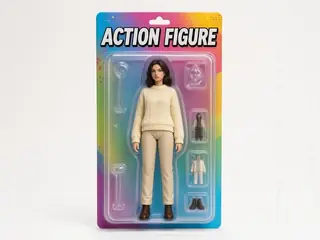
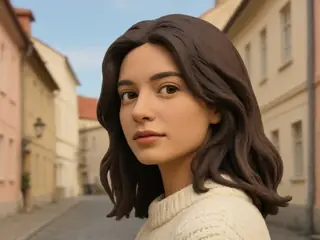
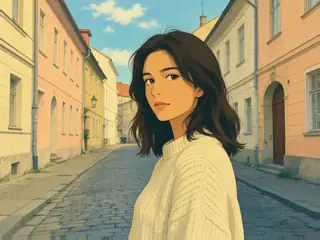
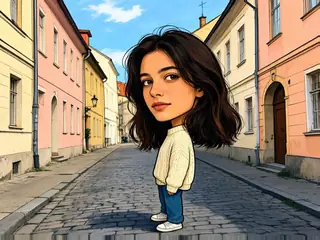
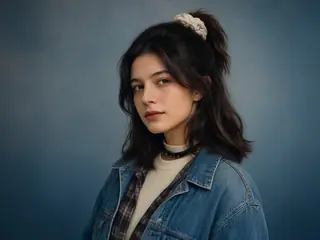
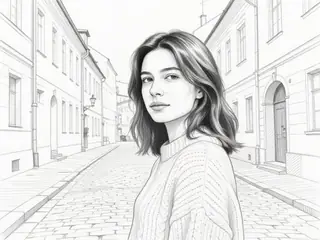
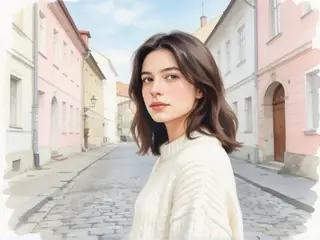
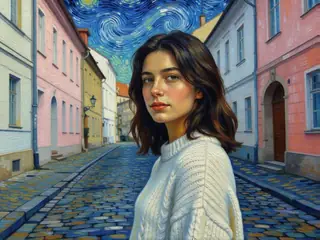
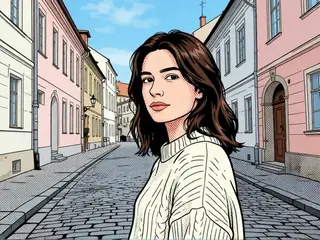
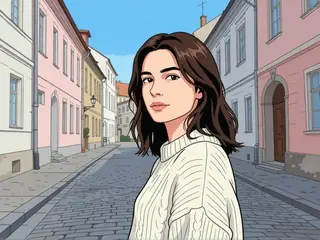
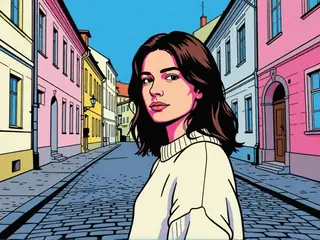
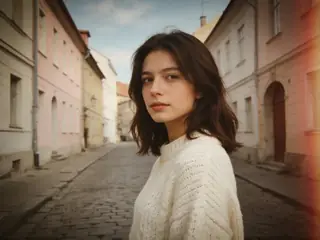
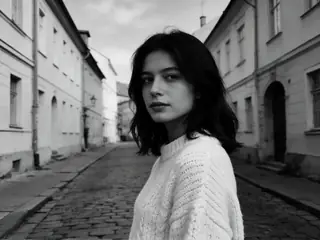
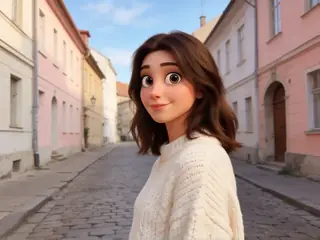
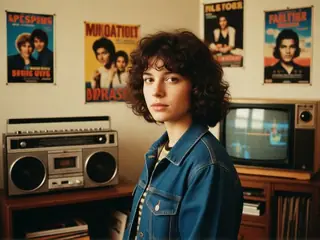
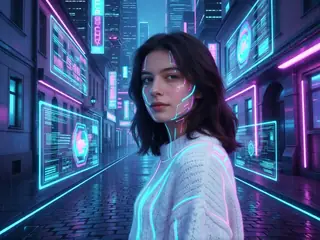
Or redraw the whole photo: anime, a pencil sketch, an oil painting, a boxed action figure and more. These were made from the same photo too.
Describe your own style
Have a style in mind that isn't in the list? Click Write your own and describe it: "a stained glass window", "a scene made of toy bricks" or "a Renaissance painting". Photoch redraws the photo to match.
It works the same on a phone, where Style Effects opens as a sheet under your photo.
Make a sticker
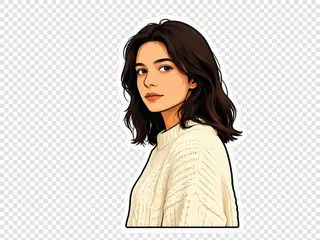
The Sticker style cuts out the person and draws them as a sticker with an outline, on a layer of its own. The photo below is hidden, so the sticker is ready to save as a transparent PNG with File > Export > Quick Export as PNG.
Tips for better results
- Select part of the photo first to style only that part. The new layer is masked to your selection.
- Lower Strength to keep more of your photo, or keep it at 100% for the full style.
- Generate again if the result isn't quite right. Every result is different.
- Try a style together with Change Lighting: relight the photo first, then style it.
Questions
Is Style Effects free?
Yes. You get free generations every day without an account, and twice as many when you sign in. Each Generate counts as one, and the allowance starts again at midnight UTC.
Which styles can I choose?
31 presets. The transformations: Samurai, Pharaoh, Thunder god, Angel, Fire elemental, Ice king, Golden statue, Superhero, Cyborg, Ninja, Bodybuilder, Mass hero, Bollywood poster and Old age. The art styles: Action figure, Claymation, Dreamy anime, Caricature, 90s yearbook, Sticker, Pencil sketch, Watercolour, Oil painting, Comic book, Anime, Pop art, Vintage film, B&W film, Pixar, 80s retro and Futuristic. Or describe a style of your own.
How can I see what I'll look like when I'm old?
Open your photo, choose Style Effects, pick Old age and click Generate. Photoch shows the person at about 80, with silver hair and wrinkles.
How do I turn a photo into anime?
Open the photo, choose Style Effects, pick Anime for a clean anime drawing or Dreamy anime for a soft, painted film look, and click Generate.
Can I make an action figure of myself?
Yes. Choose Action figure and Photoch draws the person as a toy in its box, with accessories next to it.
Can I keep some of the original photo?
Yes. Lower Strength to blend the style with your photo, or select an area first to style only that part.
What happens to my photo?
A copy of the layer, made smaller, is sent to Photoch's AI server, processed in memory and deleted as soon as the result is back. It isn't stored or used for training. See the privacy policy.
More AI tools
Change lighting
Relight a photo as a sunset, a studio portrait, a neon night and more. Change the lighting
Replace background
Put the person or product somewhere new, lit to match the scene. Change a background
Restore old photos
Clean up scratches and fading, and colorize black-and-white photos. Restore a photo
AI image upscaler
Enlarge a photo 2× or 4× with sharp detail instead of blur. Upscale an image
Restyle your own photo
Free, in your browser, with nothing to install.